
UpBot blog
Keep an eye on your services away from your desk.
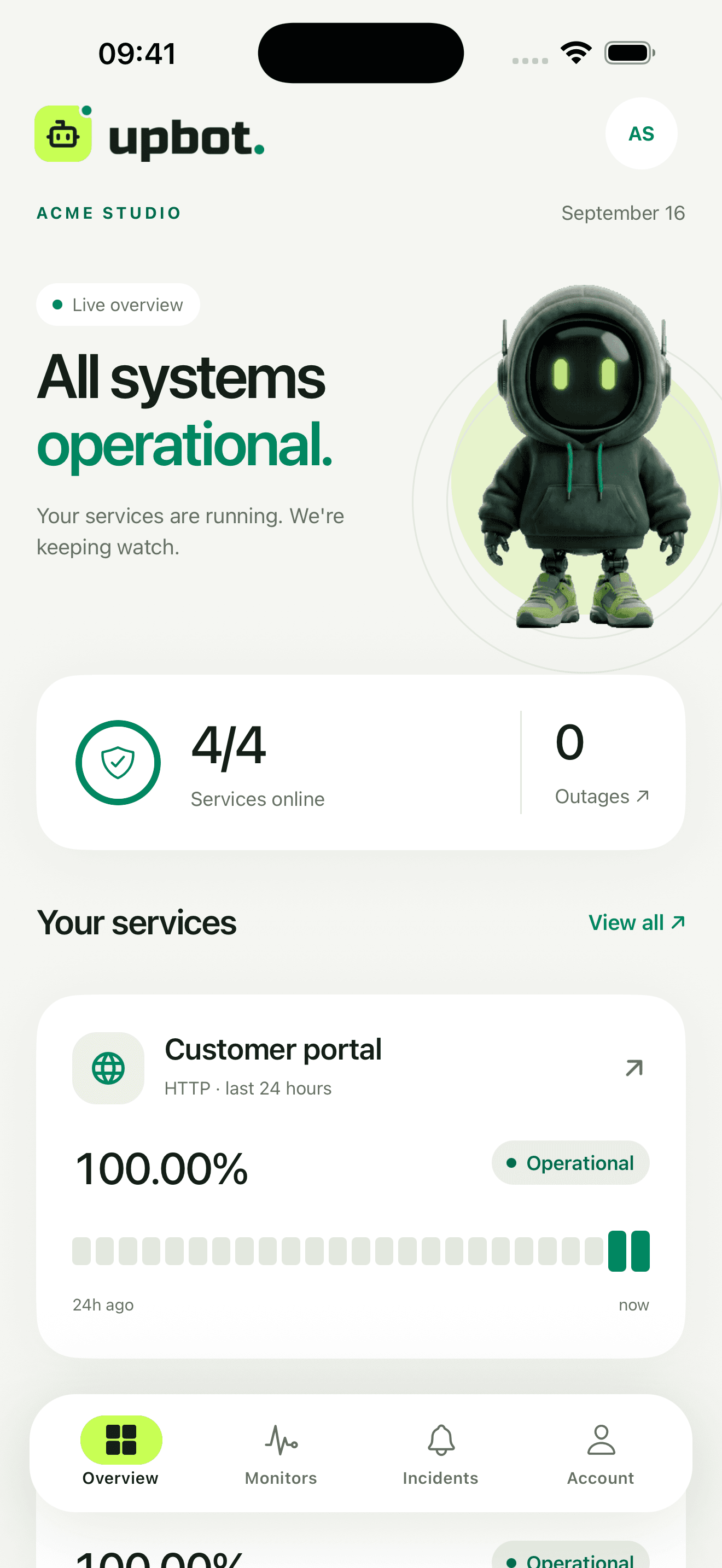
UpBot mobile shows monitor status, incidents and response times where you need them. It can send a push notification when an outage is confirmed or a service recovers.
Incident confirmed. Open the detail to review check results.
UpBot on your phone
The Android app is publicly available on Google Play.
Open the web appGet notified when it matters.
UpBot does not alert you for every brief wobble. Push messages follow confirmed incidents and can also report a recovery, depending on your workspace settings.
- confirmed monitor outage
- service recovery after an incident
- open the incident detail directly from the notification
- enable or disable push alerts separately for each workspace
Delivery also depends on connectivity, device settings and focus modes. Email and webhook rules remain available alongside push alerts.
What you can check without a laptop
The overview shows current availability, response times and favorite services. During an incident, open the timeline, review results, acknowledge the incident and add a team comment. You can also create, edit, pause or resume a monitor.
A second view, not a second system.
The app uses the same UpBot account, workspaces and permissions as the web app. A monitor change on your phone appears in the dashboard too. Current data requires an internet connection.
An outage does not wait for you to open a laptop.
Install UpBot on Android or continue in the web app.