
A full server disk: restore writes without losing data
Where to look when a service stops writing. Free space, inodes, deleted files that remain open, and a careful approach to PostgreSQL.
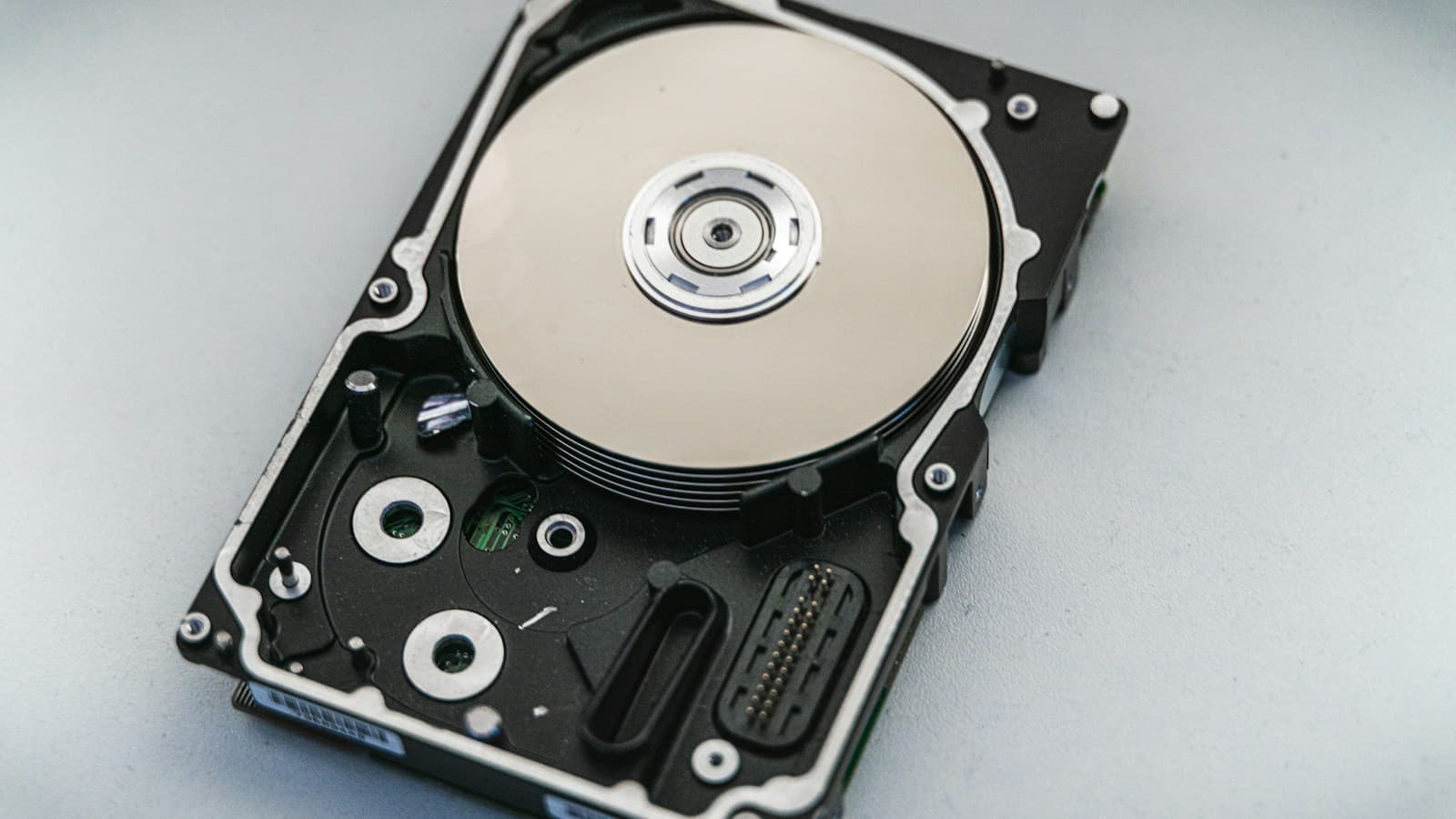
The home page still loads, but the application cannot save a form and a background job fails while writing. Exhausted storage is one possible cause. Deleting a random large file may provide only brief relief or remove data needed for recovery. First establish where the service writes and which resource has run out on that filesystem. The checks below are intended for a Linux server using GNU tools.
Check space and inodes on the correct volume
Start with the path where the write failed. For a log directory, the check might be df -h /var/log; for a database, use its actual data directory. The output shows available space on the filesystem containing that path. Free space on another volume will not resolve this shortage.
Add df -i for the same path. A filesystem can have free blocks but no available inodes, the records holding file metadata. A large number of small files can then prevent new files from being created. If both checks look healthy, investigate quotas, permissions and the application's exact error.
Find what is growing and which process holds it open
On a GNU system, a command such as du -x -h --max-depth=1 /var reports directory totals without crossing into another filesystem. For inode exhaustion, use du --inodes --max-depth=1 on the affected directory. Adjust the path to match the first check. Keep scans focused: traversing a large file tree can add unnecessary storage load during an incident.
If df reports much more used space than du explains, also check for deleted files that remain open with lsof +L1. Removing a file's name may not release its space while a process holds it open. Identify the owner and follow the service documentation to plan reopening the log or a controlled restart.
Protect the data needed for database recovery
PostgreSQL warns that a full disk holding WAL files can cause the database server to panic and shut down. WAL records changes needed for recovery after a crash. Do not manually delete the contents of pg_wal as though it were an ordinary cache.
A practical response is to temporarily reduce nonessential batch writes, remove confirmed unnecessary files outside the database directory, or safely expand capacity. Follow the retention policy for logs and preserve evidence needed for investigation. Before removing backups, establish which ones are still required for recovery and what other copies are available.
Verify writes and watch further growth
After the intervention, measure free space and inodes again. Verify a safe test operation that actually writes, then check logs, database health and pending jobs. A working home page alone does not confirm that data can be saved again.
Set alerts around the time needed to intervene and the rate of growth. The same percentage of used space can mean different levels of urgency at different write rates. Each alert should identify the affected volume and the person responsible for responding.
- Identify the exact path and write error.
- Check available blocks and inodes.
- Identify growing directories and deleted files that remain open.
- Verify writes after the intervention and monitor further growth.
What to take away
When a disk fills up, distinguish a space shortage from inode exhaustion and find the source of growth. A successful intervention restores writes, preserves the ability to recover data, and buys time to address the cause.